Pack an Order Orders & Items
Every Pack an Order delivery starts with a customer order and ends when its box reaches the truck. The official Roblox description confirms the steps in between: find toys on shelves, pick them up, cycle carried items, inspect when needed, pack the box, and load the delivery. This guide focuses on the decisions that keep those steps connected when more than one ticket is available. It is useful whenever a picked item, an active ticket, and the box in front of you no longer seem to agree.
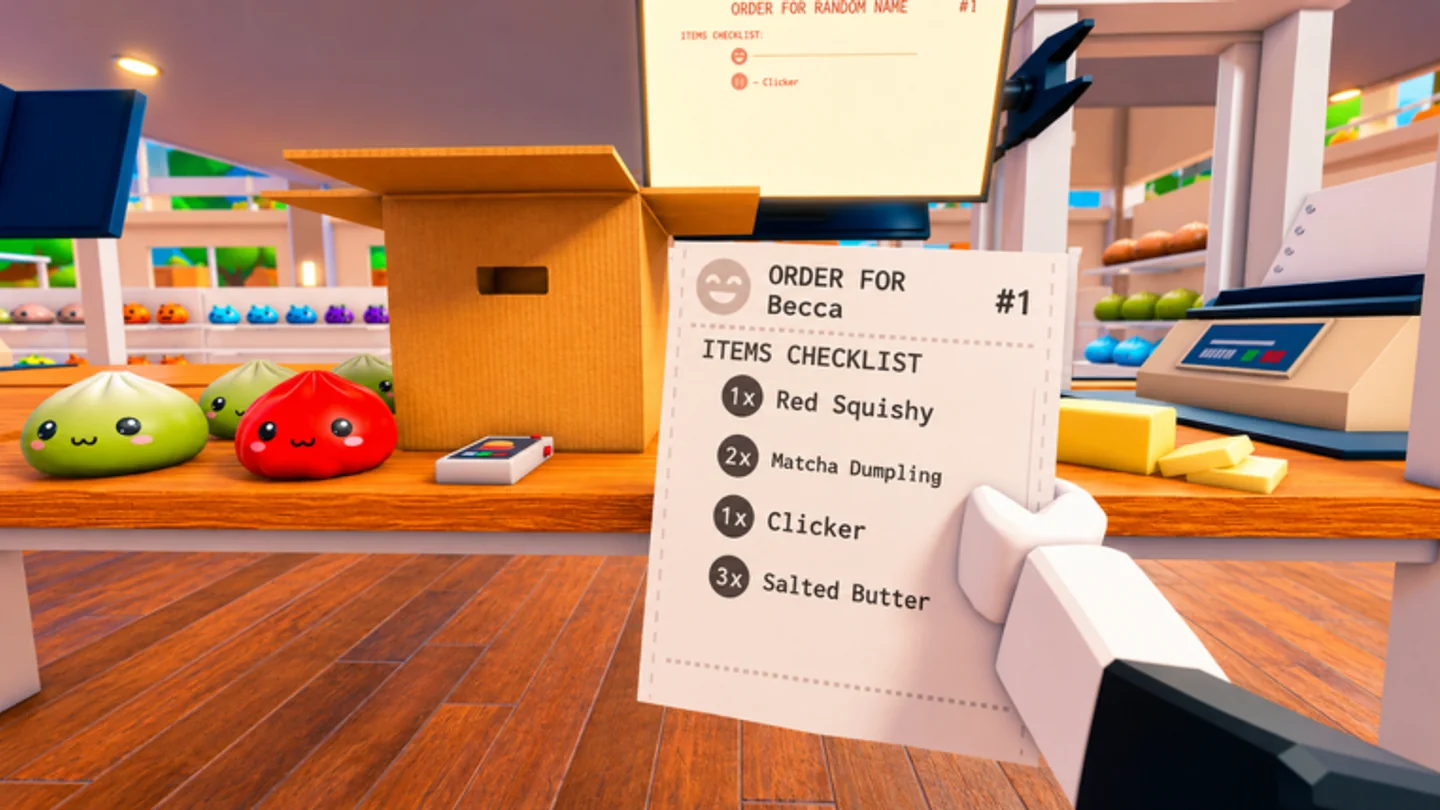
Read the ticket before starting a shelf run
Use the customer order as the source of truth for the run. The official control list assigns R to cycling customer orders, so tickets are meant to be reviewed as play develops. Before you leave the packing area, identify which delivery you intend to advance and which toys it needs. This turns a shelf trip into a specific collection task instead of a search for anything that looks useful.
A ticket should remain the reference even after you know part of the warehouse. The public listing does not publish a permanent item database, shelf coordinate list, or customer-order catalogue. Learn the live layout through your own runs, but re-check the active order before committing to a route when several requests could overlap.
In a group, name the ticket you are working on. One player can be looking at shelves while another is already at the packing floor, but both need the same delivery target. A clear order callout also gives a teammate a way to correct a duplicate pickup before it becomes a confusing pile at the box.
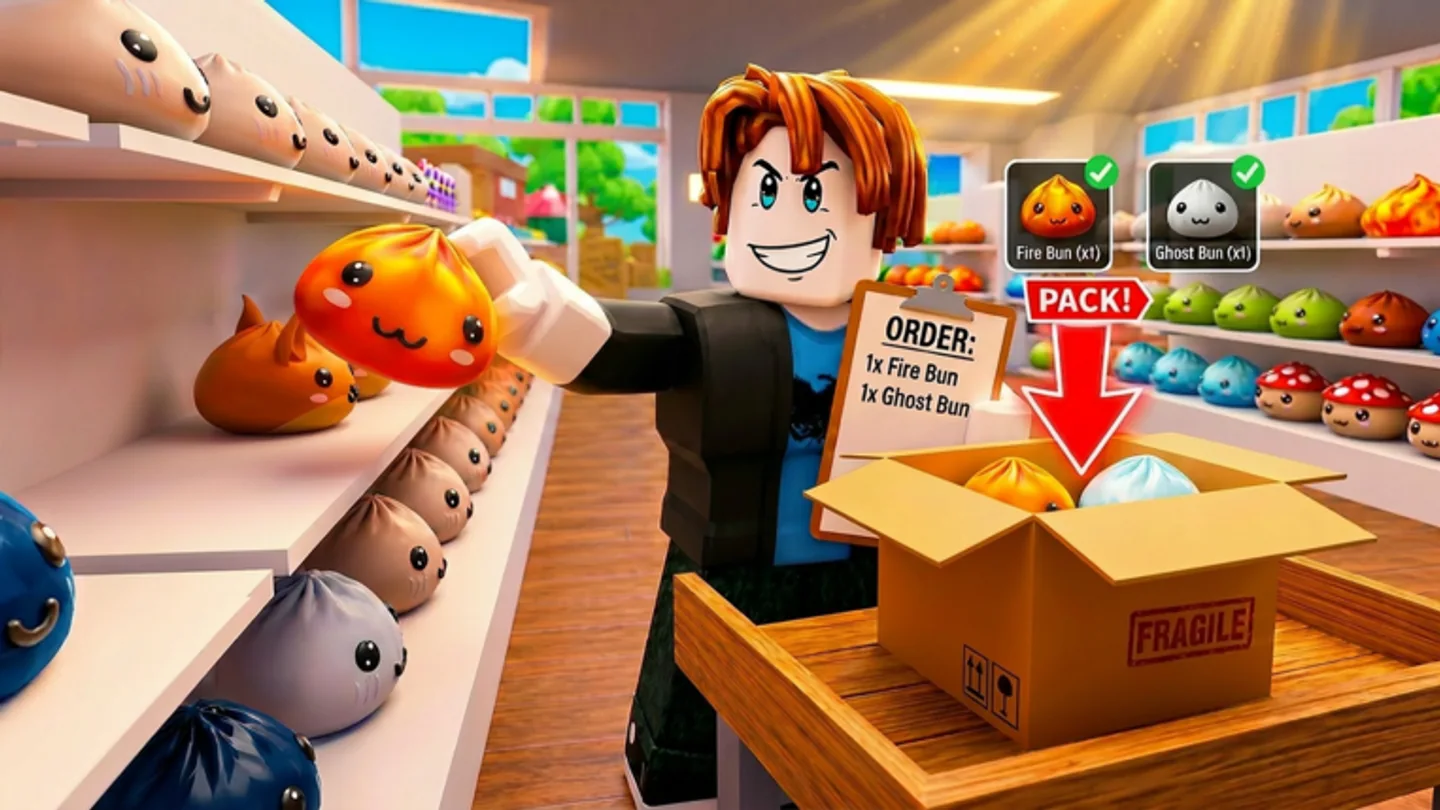
Treat carried items as a short queue
E or Left Click picks up an item, while Scroll Wheel cycles carried items. That pairing matters whenever you hold more than one object: the item most recently collected is not automatically the one you should pack. Before you approach the box, cycle to the item that matches the active order, then confirm it with inspection if the identity is unclear.
Carry Capacity is an official upgrade category, so a later run can involve more decisions rather than fewer. More carrying room is useful when several ticket items fit a single shelf route, but it can also make a wrong selection harder to spot. Keep the carried queue limited to the delivery you are actually finishing whenever possible.
Q drops an item. Use it as an early correction when an object belongs to a different ticket or no longer fits your route. A quick reset near the shelf is cleaner than carrying an uncertain item to the packing floor and trying to reconstruct its purpose there.
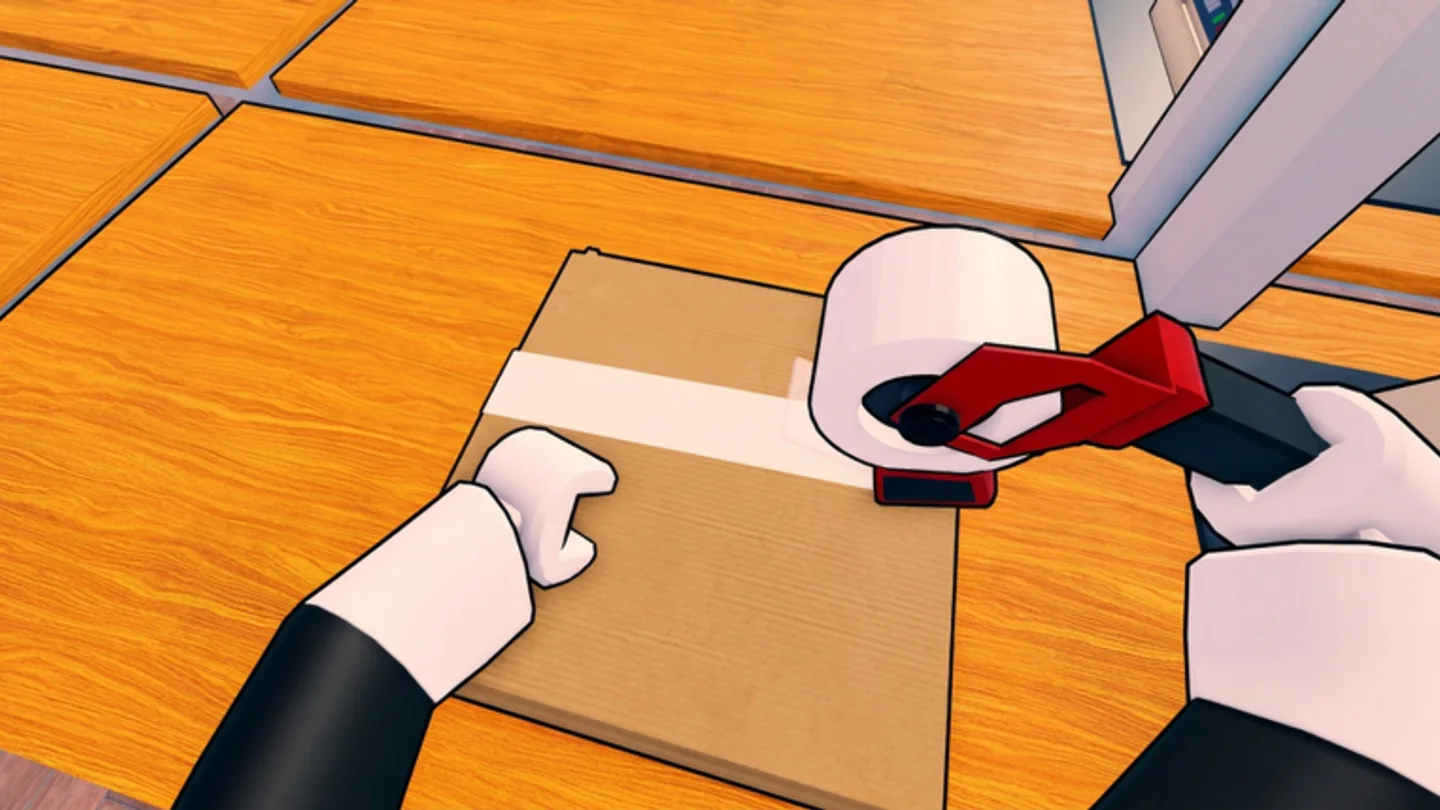
Inspect, pack, then move the completed box
Right Click or Y inspects an item, and E or Left Click is the same documented input used to pack it. Inspection belongs immediately before the irreversible part of the handoff: select the carried item, inspect if needed, compare it to the active order, then pack. That sequence adds only a short check while preventing an entire delivery from drifting away from its ticket.
The official objective requires every box to be packed correctly and loaded onto delivery trucks. Treat a completed box as the end of the current order, not an object to leave behind while you begin another shelf route. Moving the box forward closes the loop, earns the order completion that feeds coins, and keeps the packing area readable for the next request.
When something is uncertain, return to the ticket rather than assuming a product name, quantity, or shelf position that has not been published. The game can update its live content; the repeatable skill is linking each item to an active order at the moment you handle it.
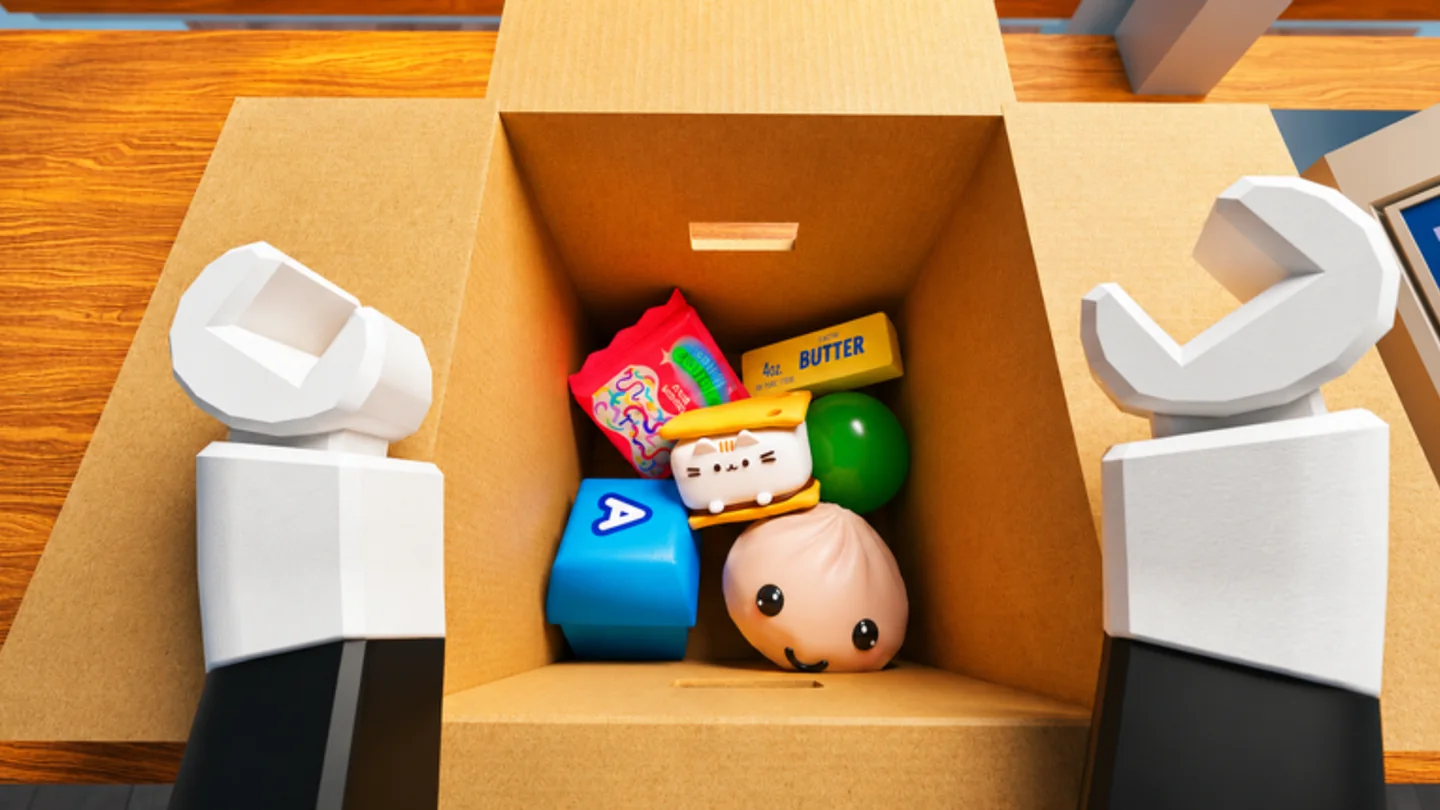
A simple order-handling check
Before a shelf run: cycle to the ticket you want and read it. At the shelf: pick only items that advance that ticket. At the box: cycle the carried item, inspect if necessary, and pack only after the match is clear. At the truck: move the completed delivery forward before opening another job.
This is not a hidden score formula or a substitute for live-game practice. It is a way to use the official controls in their natural order. Players get faster when each correction happens at the earliest point: ticket before route, inspection before packing, and Q before the wrong item travels any farther.
For a quick self-review, ask three questions after a delivery: did every pickup belong to the ticket, did I select the intended carried item before packing, and did the finished box reach the truck before I started another route? A “yes” to all three means the next improvement can focus on movement or upgrades rather than recovering from an avoidable handoff error.
When a ticket includes several toys, decide which ones can share a shelf pass before you move. Carrying a small, intentional set is usually easier to manage than returning with several items whose relation to the active order is uncertain. The ticket remains the filter: an object belongs in the carried queue because it advances this delivery, not merely because it was nearby.
This applies to co-op as well as solo play. A teammate can hand you an item, but the active customer order still determines whether it belongs in the current box. State the ticket before accepting a handoff, select the item with Scroll Wheel, and inspect it when the match is not immediately clear.