Pack an Order Gameplay
The Pack an Order gameplay loop is a timed warehouse relay. Roblox describes the job as finding toys on shelves, packing every box correctly, and loading delivery trucks. The tension comes from speed without losing the ticket: a run moves fastest when every pickup has a named order and every packed box is sent forward instead of left in the station. The loop gives every player a clear next decision instead of a vague rush.
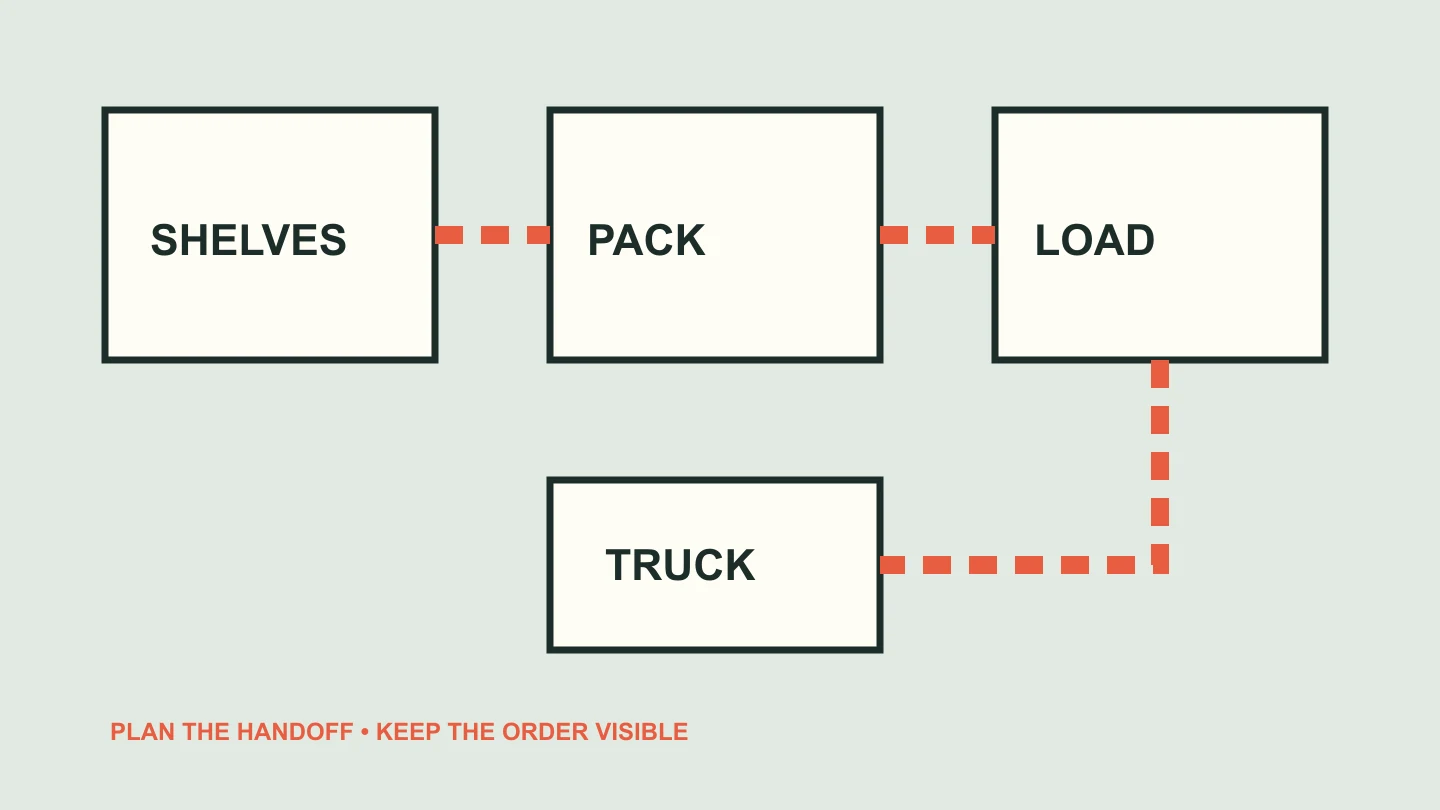
The ticket sets the route
Each customer order tells you which delivery you are solving. Start by reading it, then locate the requested toys on the shelves. R cycles the customer orders, so you can review the list while choosing a route. The order is more than a checklist: it is the control point that keeps similar items, multiple boxes, and several players from becoming one pile of loose inventory.
Warehouse familiarity grows through observation. The official listing confirms shelves and toys but does not publish named aisles or a permanent map. Treat your first matches as scouting: notice where a requested item came from, where the box station sits, and how long the truck handoff takes. That creates a route you have actually seen rather than a map inferred from another version of the game.
The useful thing to remember is a relationship, not a guessed coordinate. Which shelf direction did the requested toy come from? Did the trip naturally pass another ticket item? Where do you turn back toward the packing area? Those questions help a new player reduce empty movement while leaving room for the live game to change its layout or item set.
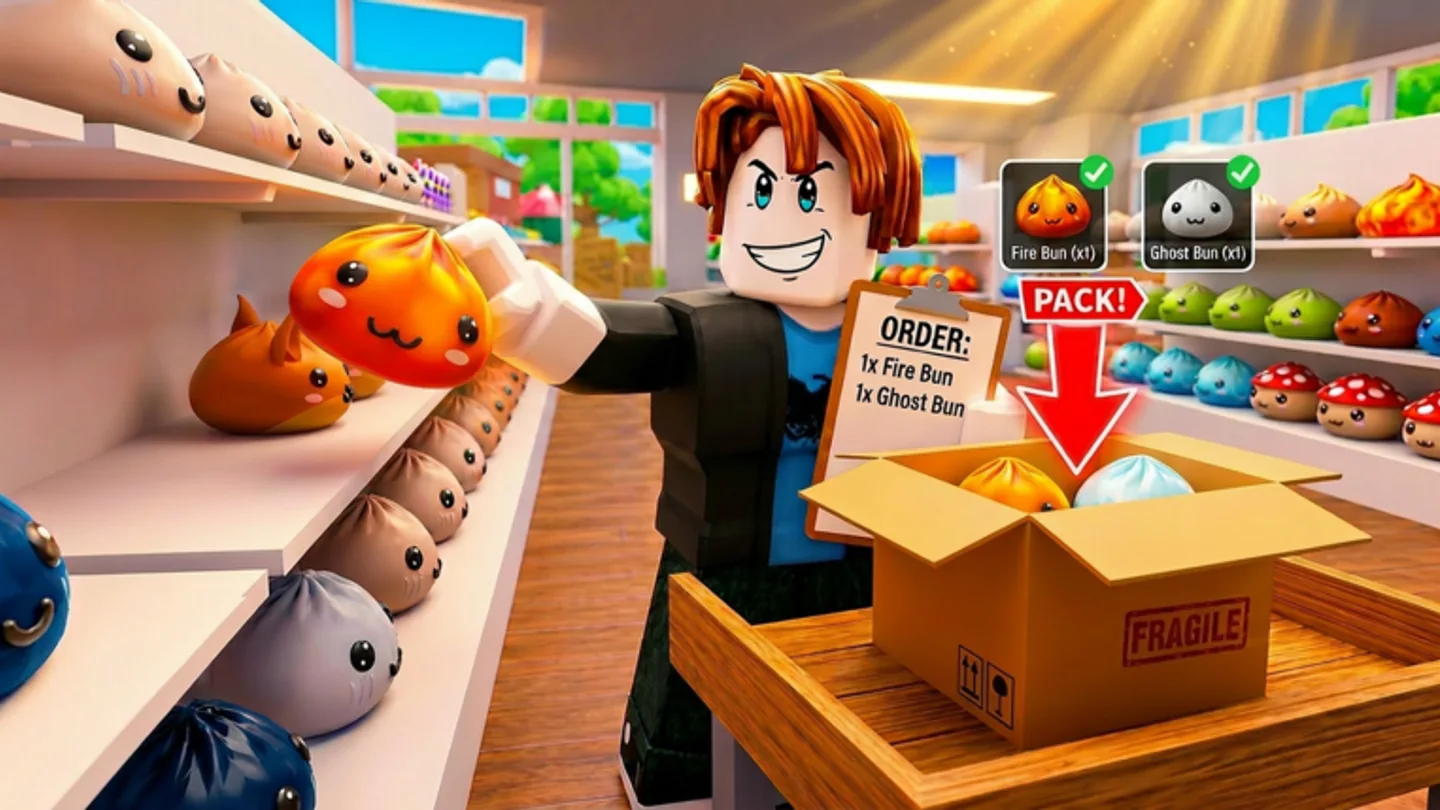
Make a clean shelf-to-truck handoff
A reliable handoff has four visible steps: read the order, pick the toy, pack the correct box, and load the truck. The sequence may look simple, but it gives solo and co-op players a useful decision rule. If an item cannot be tied to the active order, inspect it or drop it before it reaches the box. If a box is complete, move it to the truck before beginning a new collection route.
The game rewards completed orders with coins and calls out fast completion times and leaderboards. That makes finish quality and finish speed part of the same loop. An efficient crew does not merely hold more items; it reduces the time between a ticket becoming clear and a correct box reaching the truck.
Use the packing station as a reset point. When you arrive there, ask one concrete question: what does the active order still need? If the answer is unclear, cycle the ticket, inspect the selected carried item, or remove the wrong object with Q before you pack. A short reset in the middle of the loop is usually safer than trying to fix several uncertain choices at the truck.
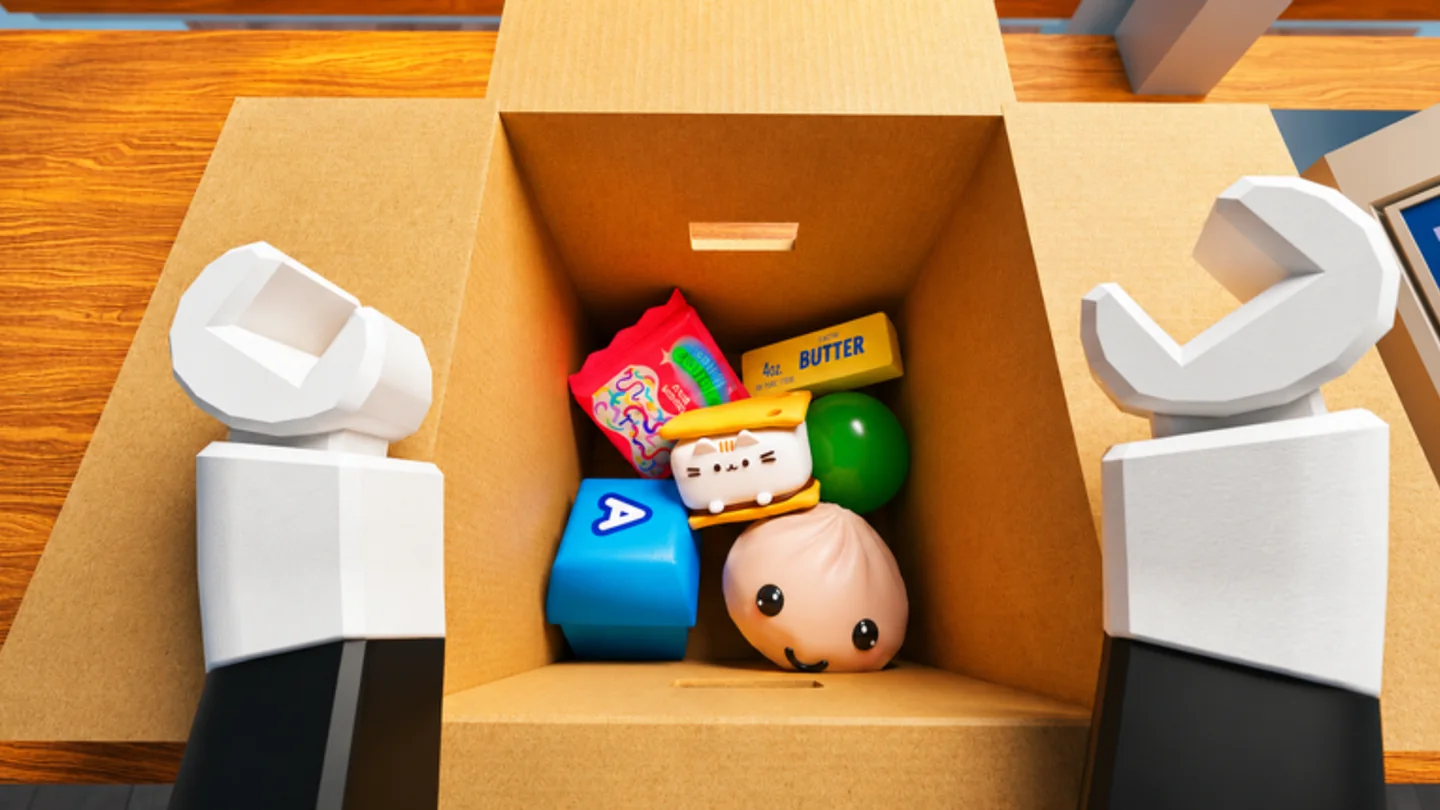
Beat the clock without losing accuracy
The official description frames the warehouse as a race against the clock. Use that pressure to prioritize the next clean action instead of improvising several actions at once. Check the order before a shelf run, select the right carried item before packing, and use Q as soon as an item is wrong. Those corrections are short when they happen near the source and expensive when they happen at the end of a delivery.
As you earn coins, Speed, Reach, and Carry Capacity can change which part of the route feels slow. Review the same loop after an upgrade. A faster worker may benefit from longer collection routes; more capacity may make grouped pickups practical; more reach may change how you approach shelf interaction. The underlying delivery sequence stays the same.
Do not try to solve the timer by adding more simultaneous jobs than you can track. The control set gives you a safe order of operations: R for the ticket, E or Left Click for pickup and packing, Scroll Wheel for carried-item selection, Right Click or Y for inspection, and Q for correction. Repeating that sequence accurately gives speed a stable base instead of turning every fast movement into another decision.
Review the route at the truck, not halfway through it
A completed delivery gives you a clean point to learn from. Ask whether the delay came from finding the toys, carrying them, choosing the active item, packing, or getting the box to the truck. This is a practical review of the publicly described loop, not a claim about hidden scoring. It helps you avoid changing several habits at once without knowing which one mattered.
If searching was the problem, carry the order into the next shelf run more deliberately. If the packing handoff was uncertain, slow down only at the moment you select and inspect the carried item. If travel dominated, compare the named Speed upgrade after you have confirmed that the route itself is clear. Each adjustment has a visible reason tied to a point in the delivery line.
The loop remains useful in both solo and group play because its handoffs are visible. A player or crew can always return to the same questions: which ticket is active, what item is selected, is the box complete, and who is moving it to the truck? Keeping those answers clear is how a warehouse run becomes faster without becoming harder to understand.