Pack an Order Leaderboards
The official Pack an Order description says players can compete for the fastest completion times on leaderboards. It does not publish the board’s categories, reset schedule, timing rules, or current records. This page therefore focuses on the confirmed preparation layer: a correct customer order, useful controls, clean packing, completed truck loads, and upgrades that address an observed delay.
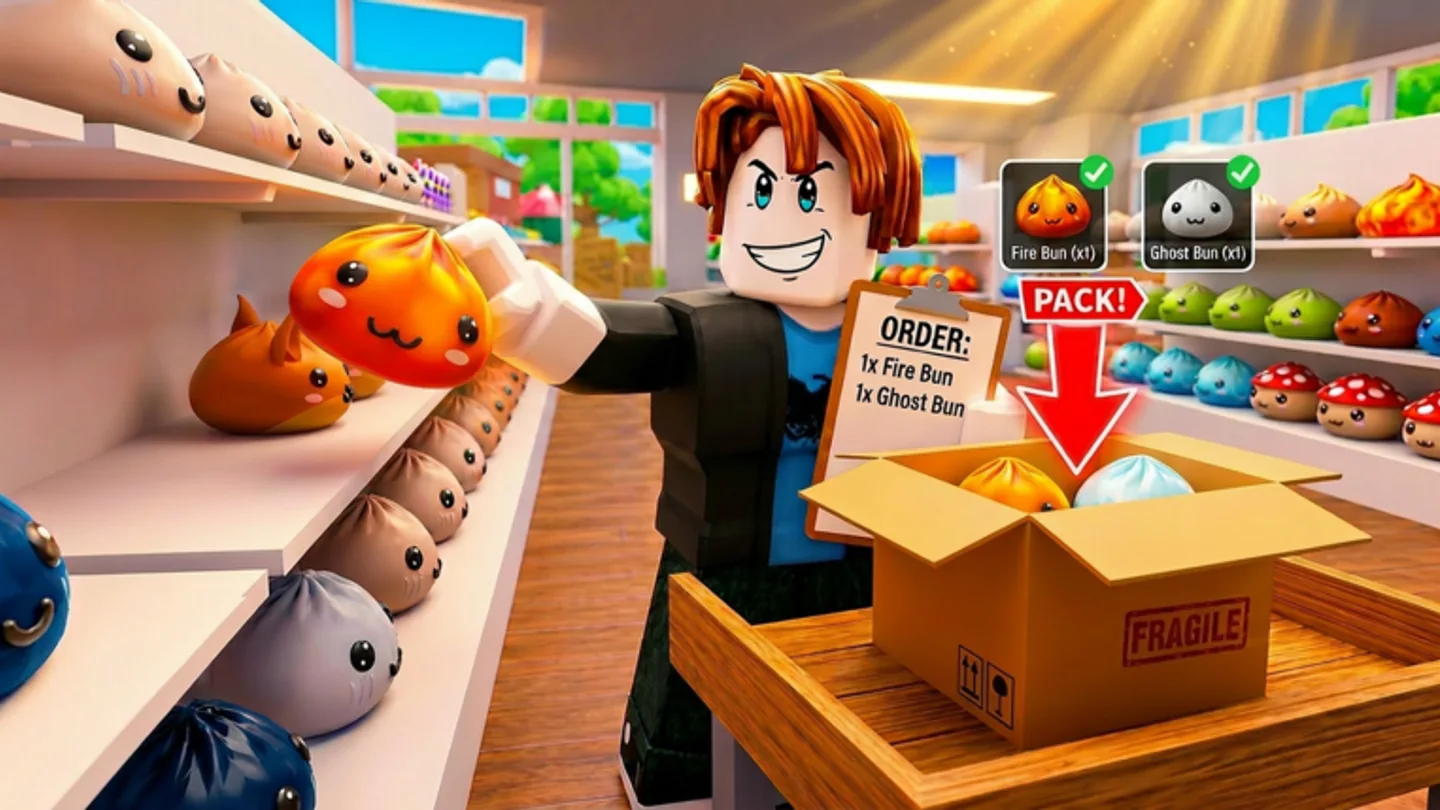
Build a clean route before chasing a time
A fast result begins with an order you can execute cleanly. Read the active ticket, find the requested toys, select the right carried item, pack the box correctly, and load the truck. Those are the only public steps the game promises, but they already define where wasted time occurs: searching without a ticket, carrying the wrong object, hesitating at the box, or leaving a completed delivery behind.
Use the official controls deliberately. R cycles orders, Scroll Wheel cycles carried items, Right Click or Y inspects, and Q drops an item. A leaderboard attempt is not a reason to skip the inputs that prevent an incorrect handoff; a mistake late in a delivery is usually more expensive than a short check near its source.
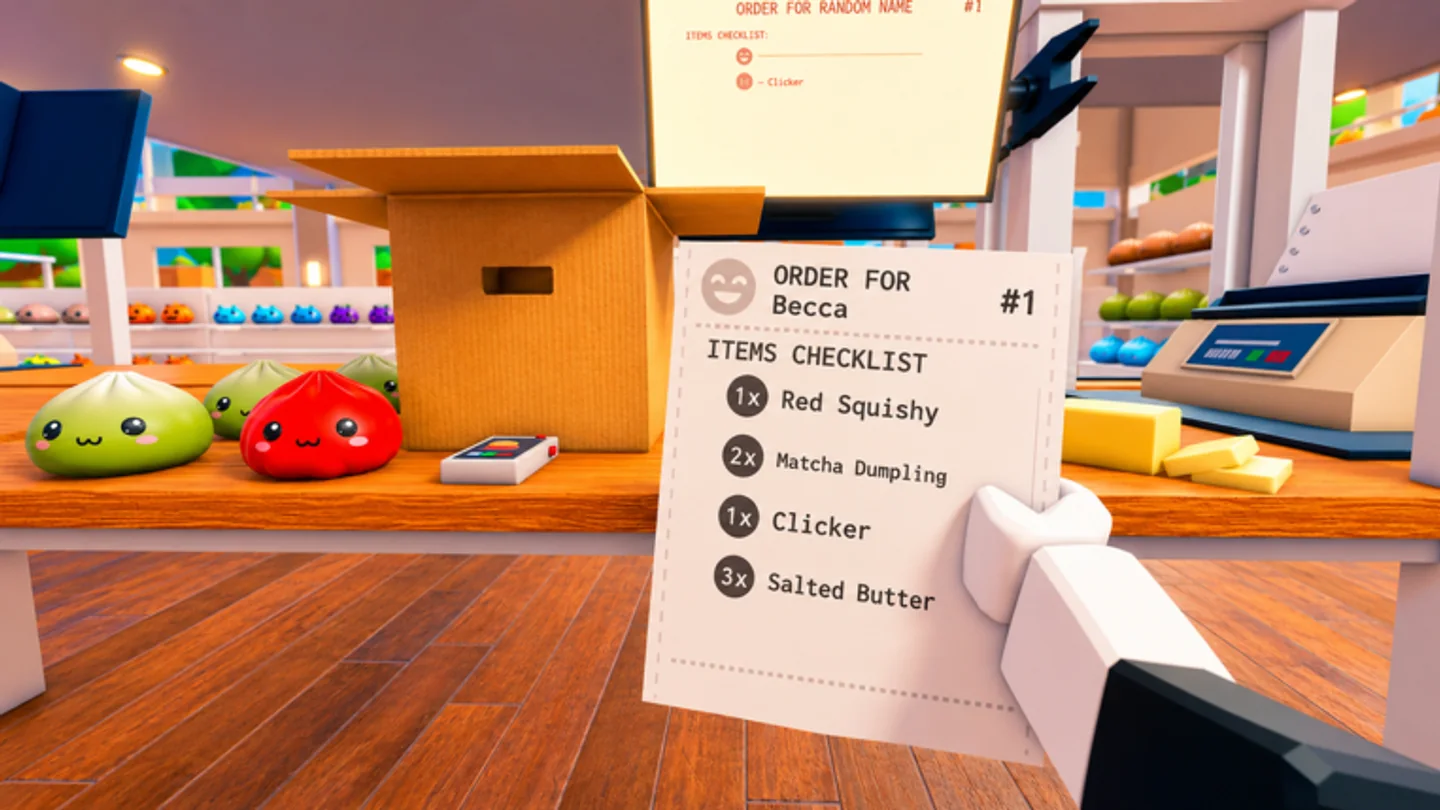
Match upgrades to the visible delay
The listing names Speed, Reach, and Carry Capacity as upgrades, with coins earned through order completion. Watch which part of a route stays slow across several runs. Speed is the category to test for long movement, Reach for shelf interaction friction, and Carry Capacity for repeat collection trips. The public source does not provide rankings, costs, or mathematical effects, so a fixed meta list would be guesswork.
Abilities are unlockable according to the listing, but their names and effects are not published. Test them in the live build after you unlock them. A real comparison is more useful than an inherited claim about a fast route that may rely on a different version of the game.
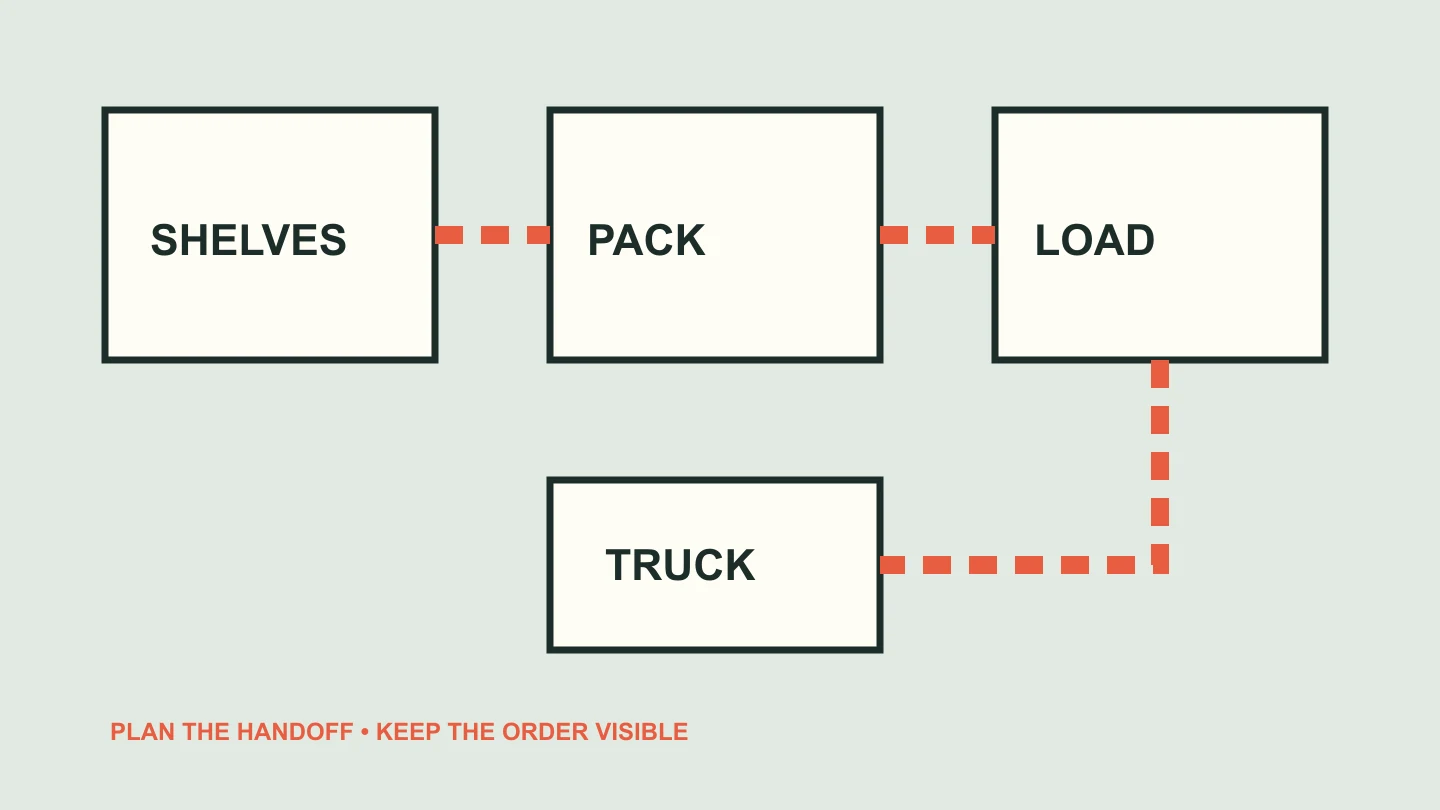
Give a crew one shared delivery target
The game supports solo play and friends, with up to twelve players listed for a server. A team can reduce idle time by keeping each player connected to a clear customer order, packing task, or delivery handoff. Do not let specialisation become ambiguity: the player at the shelf, the player at the box, and the player at the truck should all know which delivery they are advancing.
The public listing does not state a required team size or official role system. Treat picker, packer, and loader as a simple communication model, not a documented class structure. If two players start duplicating the same pickup, use the order ticket to reset the plan before the run becomes slower than solo play.
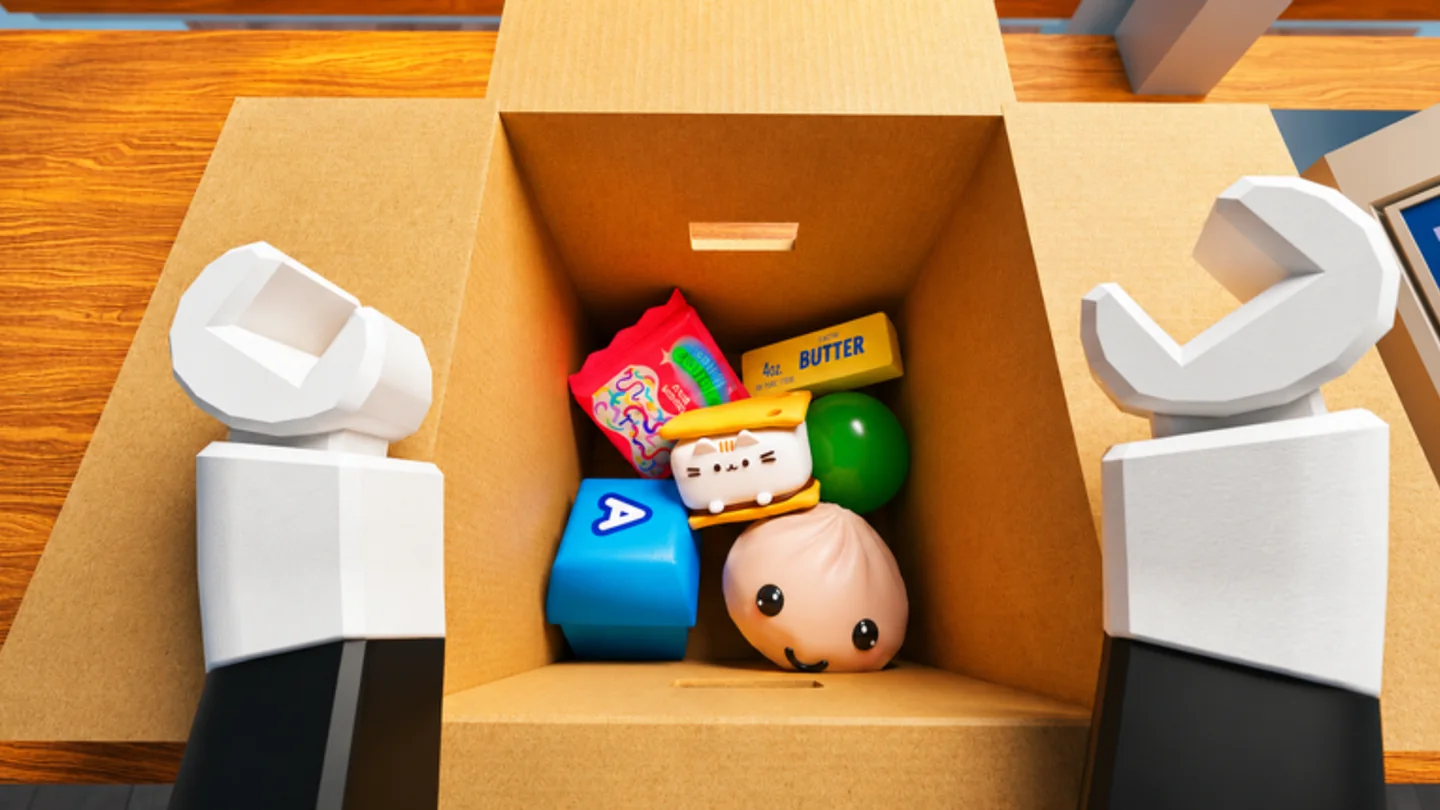
Keep public facts separate from live observations
Current leaderboard positions, record times, resets, item routes, and scoring details can change and are not exposed in the official description reviewed for this guide. Check the live experience when you need a current board or game-specific rule. This page does not turn a snapshot or another player’s route into a permanent fact.
What stays useful between updates is the control discipline: read the customer order, pick intentionally, inspect when unsure, pack correctly, and load the truck. That is the common foundation for any faster completion attempt the official game recognises.