Pack an Order Upgrades
Pack an Order confirms three worker upgrade categories: Speed, Reach, and Carry Capacity. Coins come from completing customer orders, and the listing also says players can unlock abilities. The public description does not publish exact upgrade prices, level caps, or ability effects, so the useful decision is not a fake universal tier list. It is matching an upgrade to the delay you can repeatedly see in your own warehouse runs.
- Speed
- Named official upgrade category for travel-heavy runs
- Reach
- Named official upgrade category for shelf interaction
- Carry Capacity
- Named official upgrade category for grouped pickups
- Abilities
- Unlockable; public listing does not name or quantify them
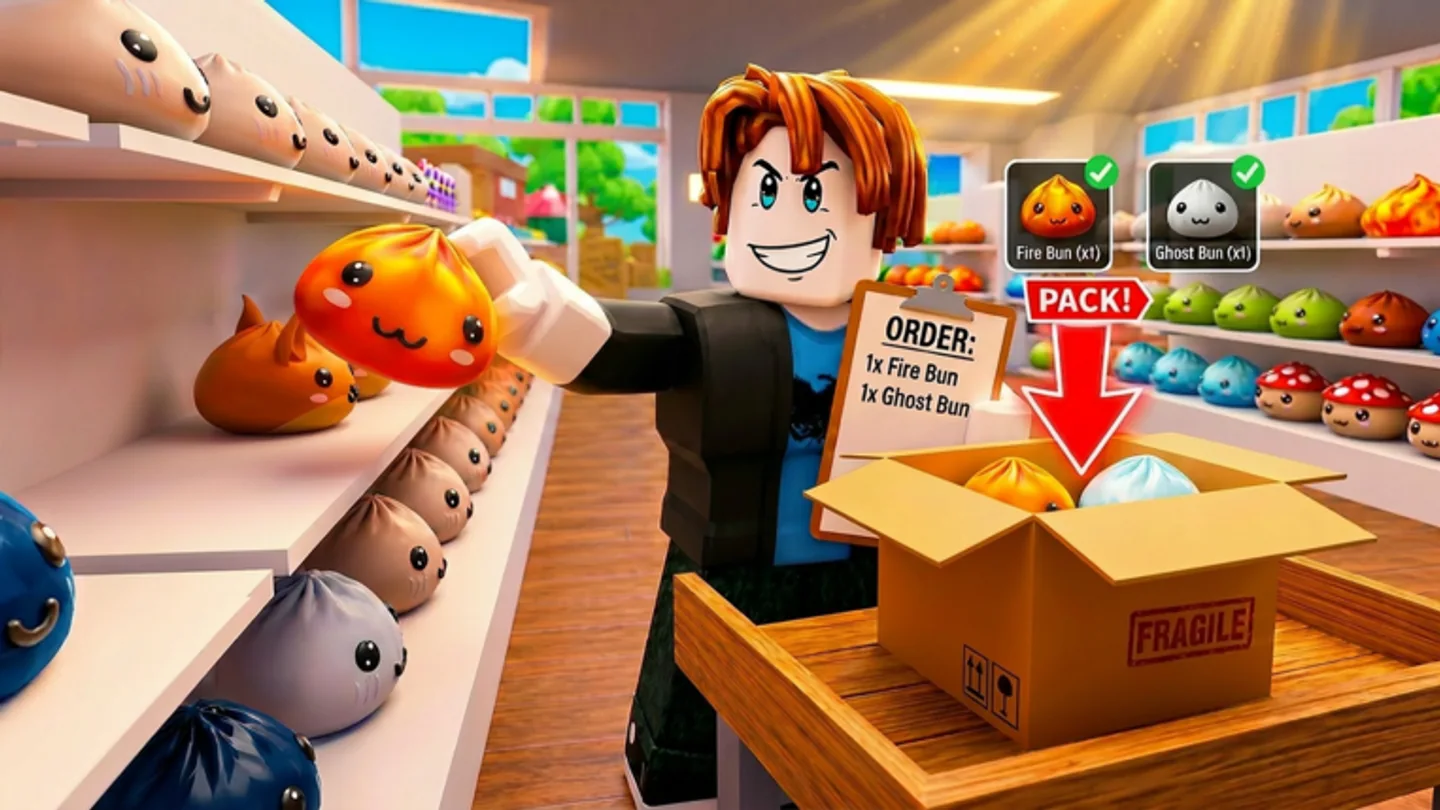
Speed changes travel time
Speed is the category to evaluate when your order route is dominated by walking between the shelves, packing area, and delivery trucks. The official description explicitly names Speed as an upgrade and emphasizes beating the clock. That makes it a direct fit for players whose tickets require repeated long crossings or whose crew already handles packing and loading cleanly.
Do not judge Speed only by a single fast run. Watch several orders and identify whether your character is actually waiting on travel. If the delay happens while you decide what to pick or search through carried items, another category or a cleaner control routine may matter more. An upgrade improves one part of the loop; it does not replace reading the order.
A practical Speed test is to notice whether you reach the correct shelf already knowing what to do next. If yes, movement may be the bottleneck. If you arrive and then need to cycle orders, inspect repeatedly, or decide which item to carry, solve that decision first. The point is to avoid spending coins to accelerate a pause that happens after the walk is over.
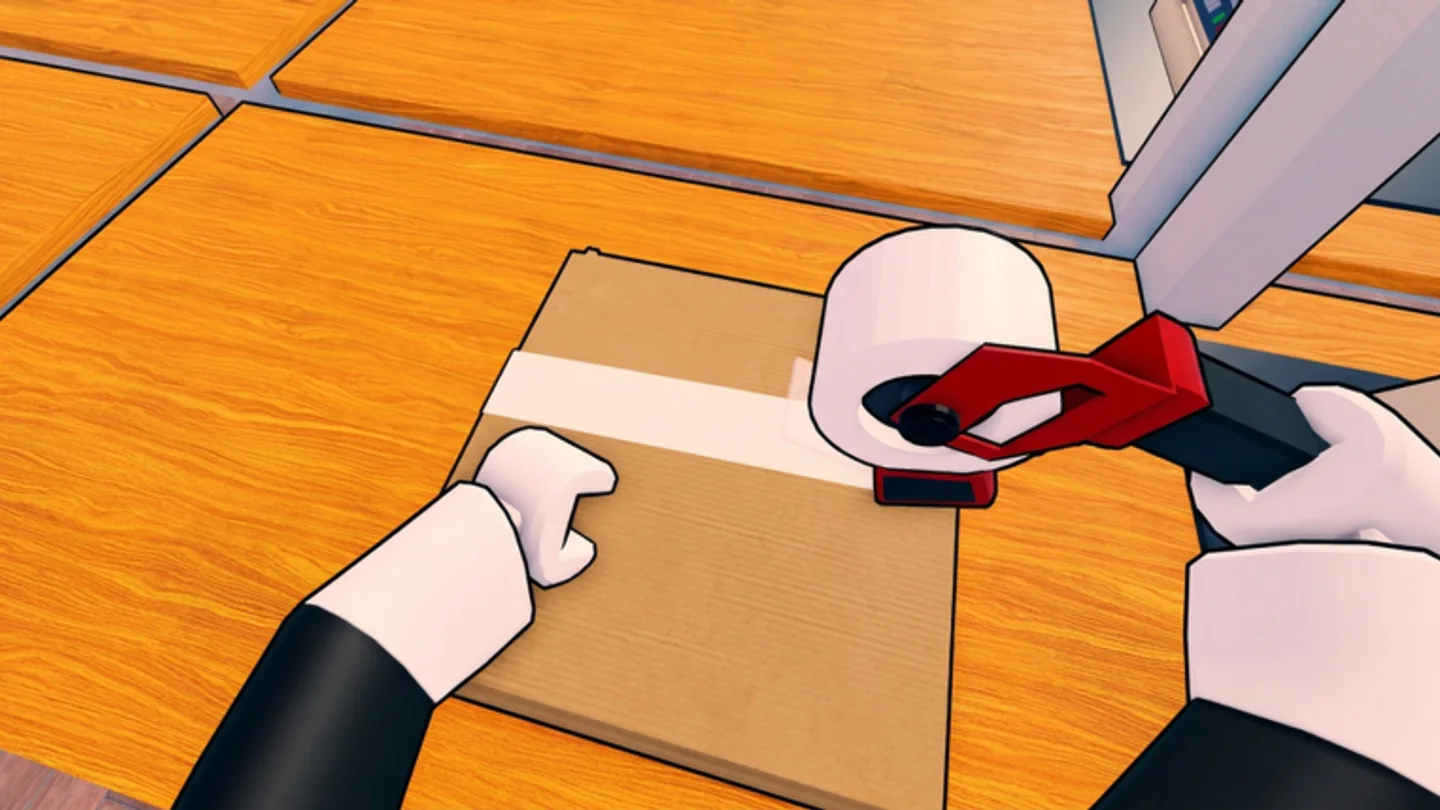
Reach is about shelf interaction
Reach is the official category to test when the slow part of a run is interacting with toys on shelves. It may reduce the friction of positioning near an item, but the listing does not state exact distances or a level-by-level formula. Use it as an experiment: compare how comfortably you can work around a crowded shelf before and after an upgrade in the current live build.
Reach pairs naturally with good ticket discipline. Being able to interact more easily does not help if you have selected the wrong customer order. Keep the ticket active, use inspection for close-looking toys, and let the improved interaction range support a route you already understand.
Because the public description does not list distances or interaction formulas, judge Reach by a repeatable in-game comparison rather than a claimed number. Try a familiar shelf approach, note whether positioning feels less restrictive, and then see if it changes the time you actually spend resolving that part of a route. That keeps the choice tied to what the current build shows you.
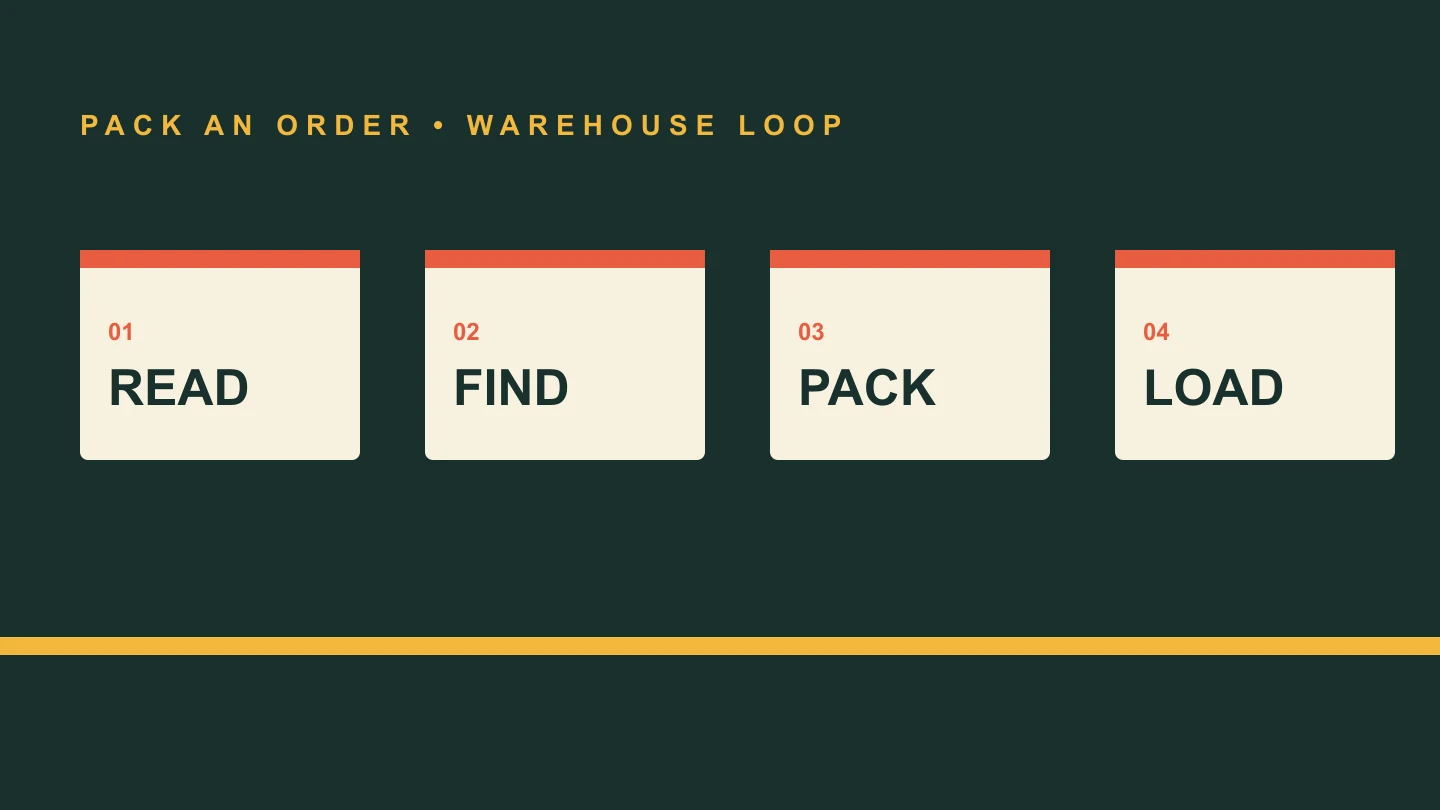
Carry Capacity supports grouped pickups
Carry Capacity is the official choice for players who repeatedly return to the same shelf zone for separate items. More room can make one deliberate collection pass serve a multi-item order, particularly in solo play. Scroll Wheel cycles carried items, so the benefit comes with a handling responsibility: you need to select the right item before packing it.
Capacity is not a reason to grab everything in reach. Carry items that belong to the ticket you are completing, and use Q when an item no longer belongs in the plan. The goal is fewer repeat walks, not a larger pile to sort at the end of the run.
Capacity works best with an explicit packing sequence. Decide which carried toy belongs in the box first, use Scroll Wheel to make it active, inspect if you need to distinguish it, and pack before moving on. That routine lets a larger carried set remain a route-saving tool instead of becoming a memory test at the station.
Treat abilities as live-game discoveries
The Roblox listing says that abilities can be unlocked to make packing faster, but it does not publish their names, effects, or unlock conditions. This guide therefore does not assign them rankings. When you unlock an ability, test it against a specific delay in your route and compare the result over several orders.
That approach keeps your upgrade decisions grounded. Coins, Speed, Reach, Carry Capacity, and abilities are all part of progression, but a warehouse run is still won by a correct ticket, the right item, a properly packed box, and a completed truck load.
Treat a new ability as a test, not a replacement for the core loop. Run it alongside a familiar order and notice whether it changes travel, shelf interaction, carrying, or packing in a way you can actually feel. If it does not solve the delay that costs you time, return to the named upgrades and the control habits that are already visible in every delivery.
Compare one change against one repeated delay
Make upgrade decisions one at a time. Choose a familiar kind of delivery, keep the ticket-first routine intact, and notice whether the same delay changes after you spend coins. A single comparison is more useful than a long wish list because the official listing names the categories but does not publish their values, caps, or an objective best order.
The right result can be different for different players. A solo worker may value fewer repeat shelf trips; a coordinated crew may care more about travel or interaction flow. Either way, the upgrade should support a route you can already execute cleanly. If it only makes an uncertain route happen faster, fix the ticket, carried-item, and packing decisions before buying around the confusion.