Pack an Order Beginner Guide
Pack an Order is a Roblox warehouse challenge built around a simple handoff: take a customer order, find the requested toys, pack the box, and load the delivery truck. The official game description adds the pressure point: finish quickly, earn coins, unlock upgrades, and compete for fast completion times. A first run goes better when you treat the order as the source of truth rather than collecting items first and checking later.
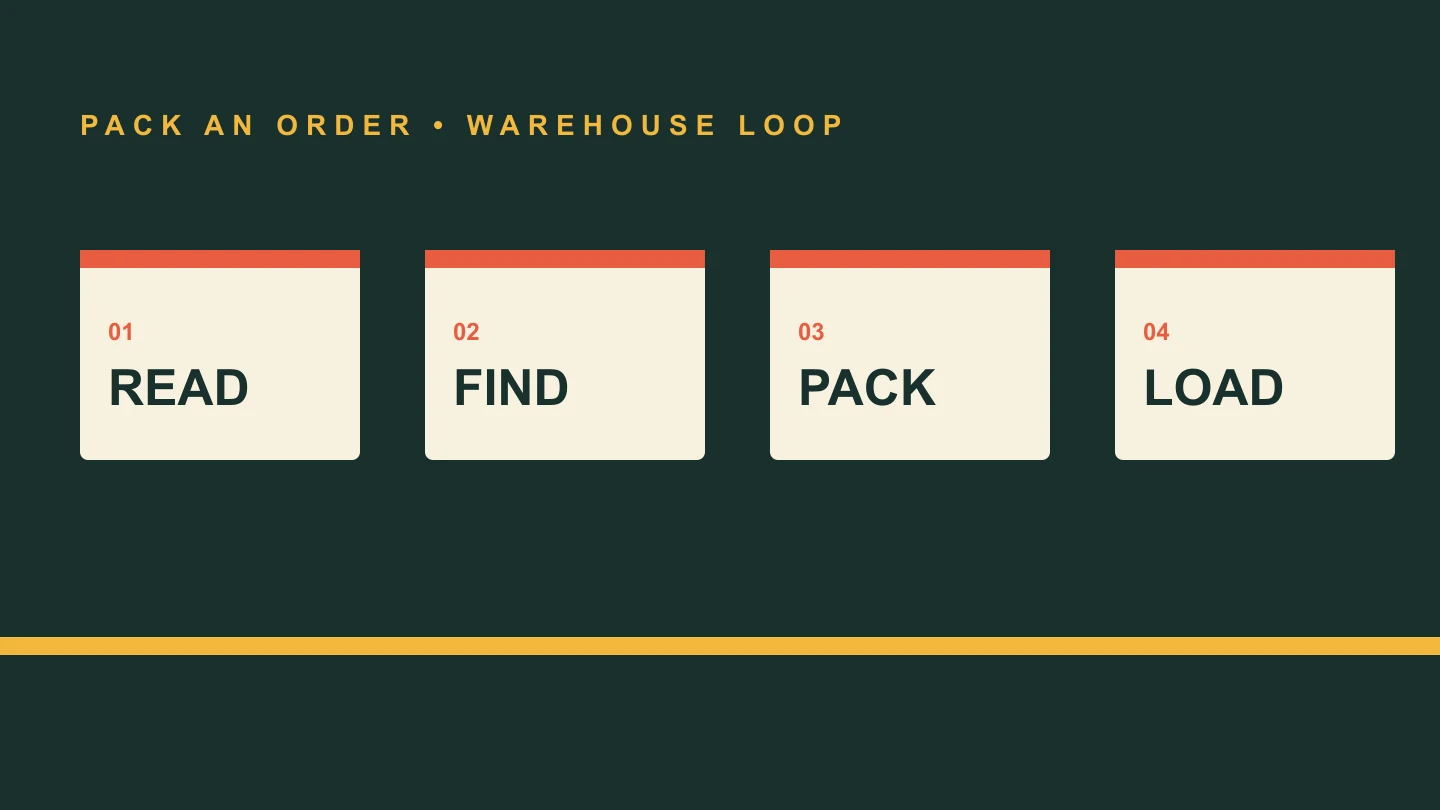
Start by reading one order
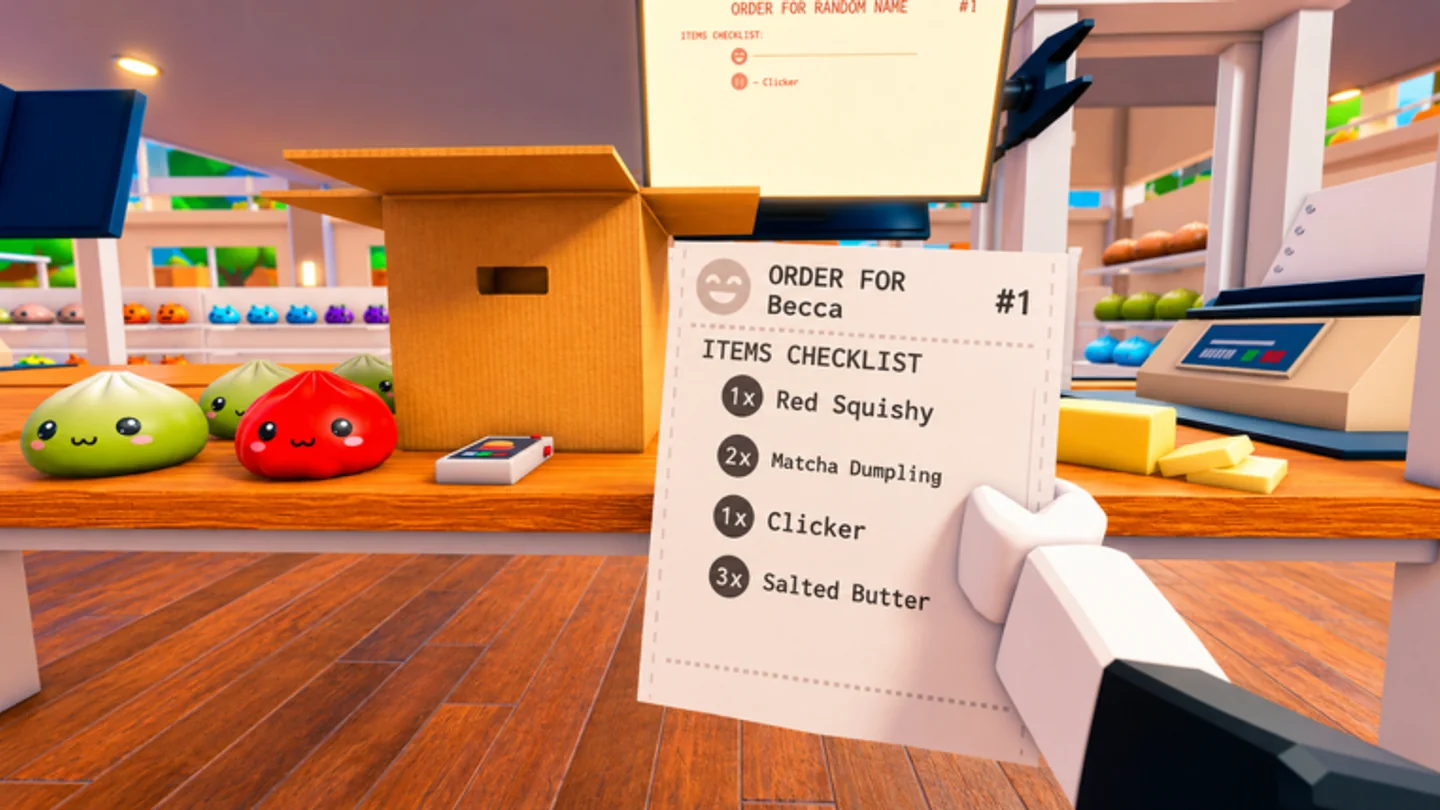
Use the active customer order as the run plan. The official PC controls assign R to cycling orders, which means the game expects players to switch attention between tickets when needed. Before moving away from the packing area, note the item names and quantities on the ticket. That small pause prevents a long return trip with an item that belongs to a different order.
When an order has more than one requested toy, think in terms of a short shelf route instead of isolated pickups. The game does not publish a universal shelf map in its listing, so learn the layout from the warehouse you are currently in. Keeping the order visible while you move is more reliable than depending on memory, especially when similar toys share a shelf area.
For your first few runs, make the ticket check a repeatable stop rather than a long planning session. Look at it before leaving, again when you reach the shelves if your memory fades, and once more before the packing action. That gives you three chances to catch a mismatch without turning the timer into a reason to panic.
Pick, inspect, and carry with purpose
E or Left Click is the official pickup and packing input. Scroll Wheel cycles carried items, and Right Click or Y inspects an item. Together, those controls support a deliberate check before an item goes into a box: pick it up, cycle to the item you need, inspect when the name or shape is unclear, then pack. Q drops an item if it is wrong or no longer useful.
For a solo player, carrying several items can reduce repeat walks, but only when the ticket is clear. Carry Capacity is one of the three named upgrade categories, alongside Speed and Reach. Until that stat grows, avoid overloading yourself with unrelated toys. A short, correct handoff is normally better than a long route that creates a sorting problem at the box.
Practise the control chain as one movement: check the ticket, pick an item, use Scroll Wheel if you are carrying more than one, inspect when there is doubt, and only then use the pack action. You do not need a hidden combo to learn the game. You need to make the documented inputs happen in an order that leaves no mystery about what is in your hands.
Close the box before starting the next job
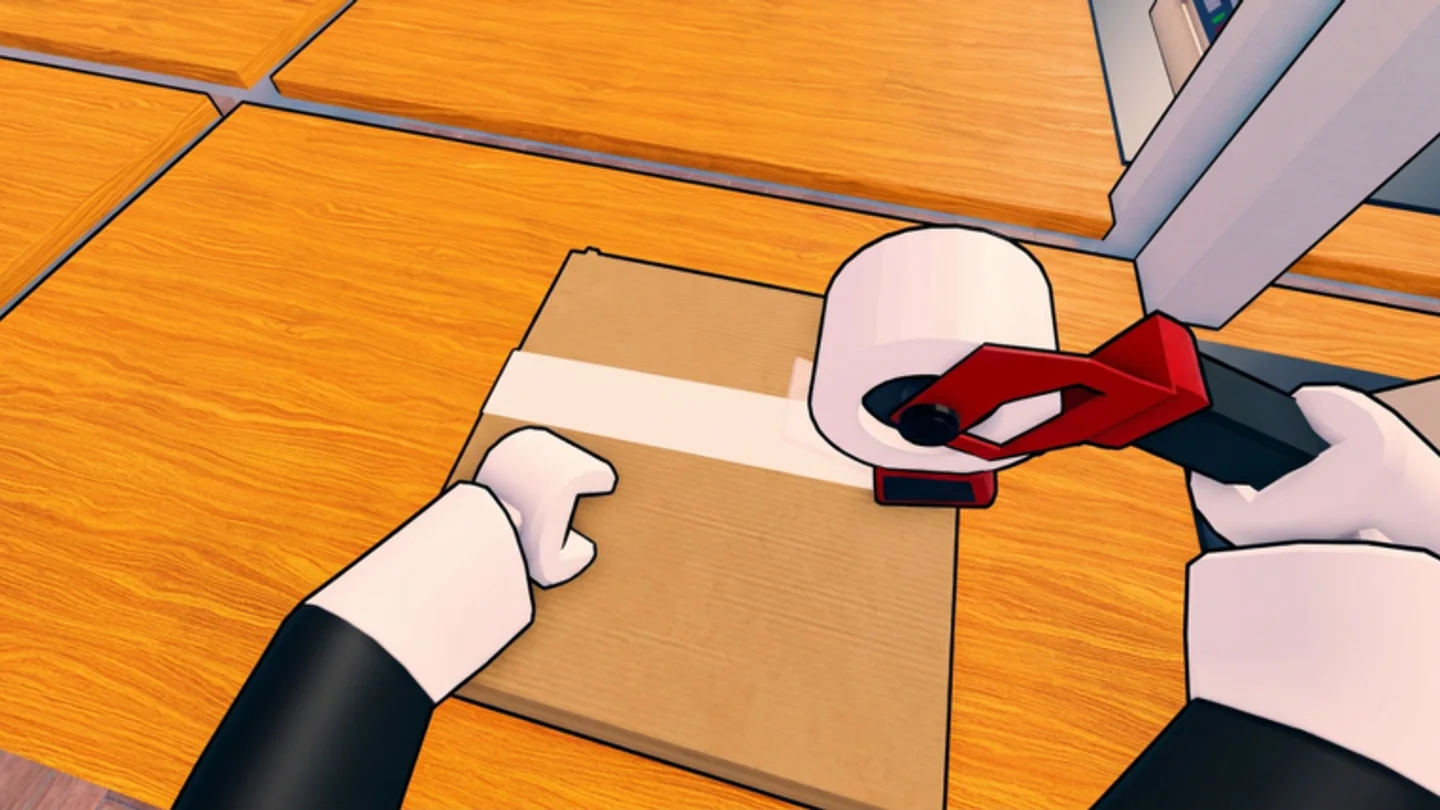
The official loop is explicit: find toys on shelves, pack every box correctly, and load delivery trucks. Make packing a checkpoint rather than a background action. Once the requested items are in the box, move the completed order toward the truck instead of beginning another search with an unfinished delivery still in the station.
This rhythm makes it easier to spot mistakes: the order ticket defines what belongs in the box, the carried-item controls let you choose the object in hand, and the packing action is the moment to correct course. If you notice a mismatch, Q is the documented reset tool. Dropping an incorrect object early keeps it from mixing into the active delivery.
A useful beginner milestone is a run with no abandoned decision. Every item should either be tied to the ticket, packed into its correct box, or dropped as soon as it proves irrelevant. Every finished box should be sent to the truck. This does not promise a particular score; it makes the next run easier to review because you can identify exactly where the route slowed down.
Use coins to improve the part of the loop that slows you down
The listing confirms that completed orders earn coins and that Speed, Reach, and Carry Capacity can be upgraded. It does not publish a fixed best-buy order, exact costs, or stat values, so a good first-session rule is practical: identify the repeated delay in your own runs. Long travel points to Speed, awkward shelf interaction points to Reach, and repeated return trips point to Carry Capacity.
Abilities are also described as unlockable, but the official listing does not identify individual ability names or unlock requirements. Do not build a route around an assumed ability. First make the core read–pick–pack–load sequence consistent; then test any unlocked ability in the live game and decide whether it reduces travel, handling, or another real bottleneck.
Keep a simple question in mind after an order: what consumed the most time—walking, reaching a shelf, carrying enough toys, selecting the right item, or correcting a mistake? The three named upgrades address different physical parts of a run. A clear answer is more useful than buying because another player’s route looked fast in a different server or with a different team.
That first-session review also tells you which guide to open next. If the controls feel unfamiliar, practise the pickup, drop, cycle, and inspect chain. If your handoffs are loose, return to the warehouse loop. If you know the route but spend most of it walking, compare the named upgrades after you have earned coins. The goal is a useful next experiment, not a perfect run on day one.